How to Stop Postponing Big Ideas and Test Them in 5 Days — Design Sprints with Goodwine
Stop Waiting. Start Sprinting.
Creating new products or services — or transforming a business — often feels slow, expensive, and risky. You don’t know where to start, and that uncertainty delays everything. Some projects never even get off the ground.
But what if we told you that in just one week you could test a bold idea or improve an existing product — and know whether it’s worth building?
That’s exactly what the Google Ventures Design Sprint was made for. At ONCE Agency, we recommend it when you’re stuck on a risky idea — or even when you don’t yet have an idea, but you do have a goal.
Let’s take a look at how we used design sprints with Goodwine, one of Ukraine’s most progressive retail brands.
Projects. 5 Days. 0 Wasted Time.
We ran two design sprints with the goodwine team:
- A mobile app for their new loyalty program (case)
- A digital experience concept for a large new store launch
Prepping for the Sprint
A classic sprint takes five days. But in reality, the timeline depends on your goals, the team, and the data you already have. Some stages can be merged or shortened. You may also need to do pre-sprint work: interviews, research, expert consultations.
Before starting, answer these questions:
- What are we trying to solve or create? Aim big. Think wide.
- Who makes the final call? That person must be in the room.
- Who should be on the team? Bring in a mix of perspectives, but all relevant to the challenge.
- Where will the sprint take place? Choose a space with no distractions.
- What background do we need? Research, market analysis, user insights, global benchmarks.
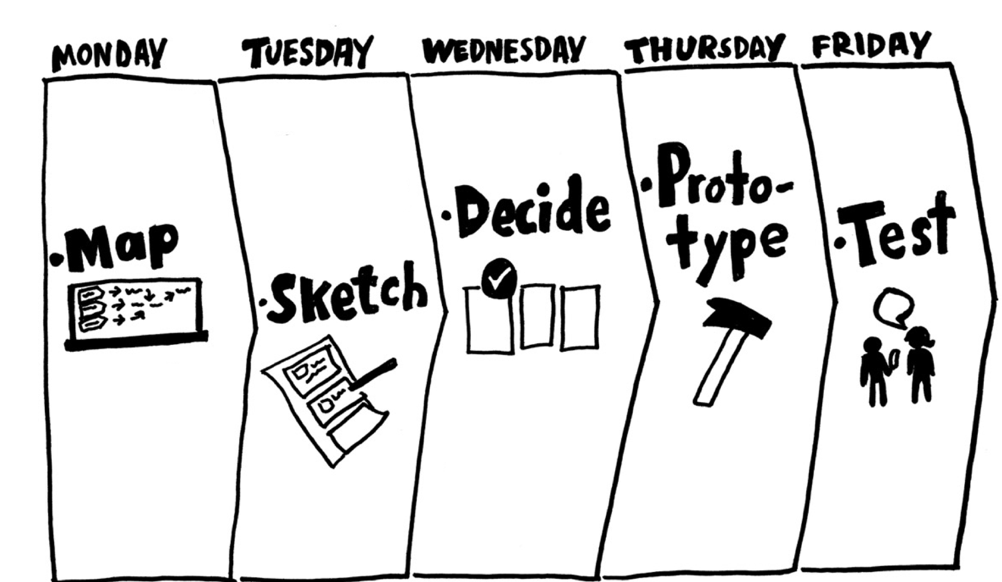
A design sprint is a five-day process, with each day dedicated to a specific stage.
Day 1 — Set the Direction
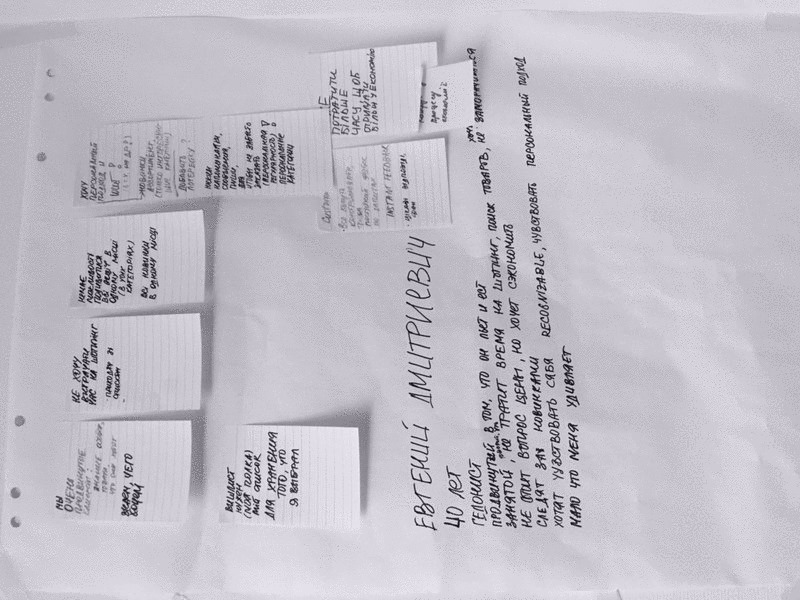
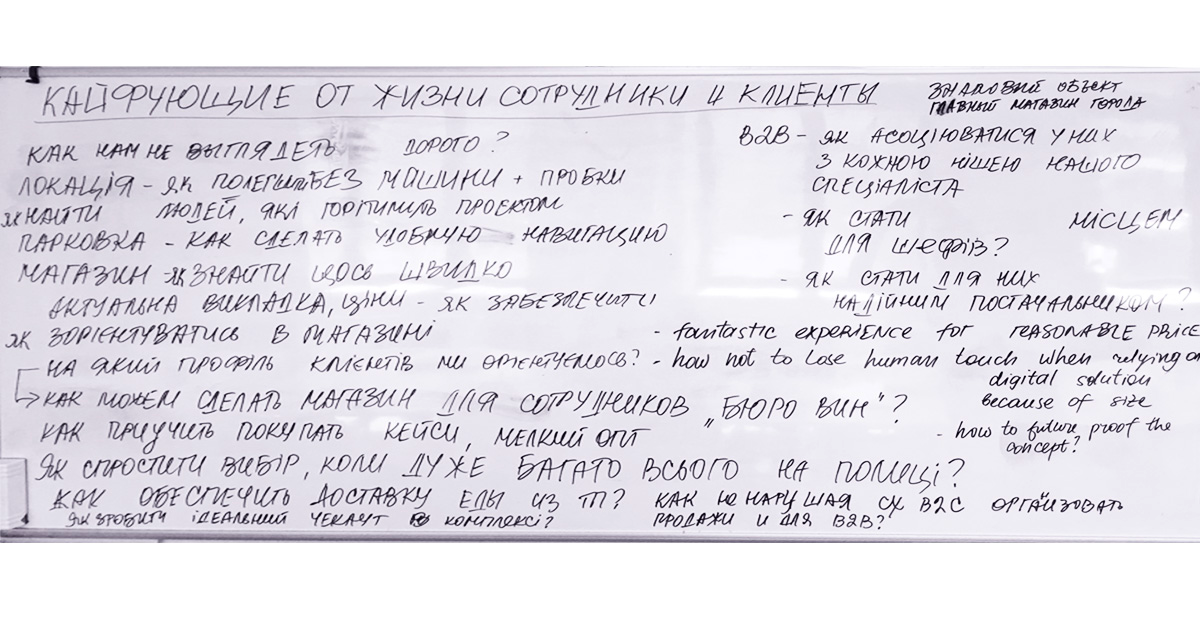
We kicked off by sharing trends, research, and expert insights. Then we mapped out the challenge and defined key questions using the “How might we…” method. These framed our creative space for the days ahead.
App Sprint Insight
We discovered Goodwine customers buy 30–32 unique items per year on average. So maybe… they don’t need a full catalog in the app? Cutting it would save time and budget. Bold move, but worth exploring.
Digital Experience Insight
Same-day or next-day delivery is a major pain point — unreliable couriers, spoiled products. But the store’s central location gave us an idea: make pickup an enjoyable part of the shopping journey. Let’s focus on pre-ordering + pickup delight.
Day 2 — Sketch Bold Ideas
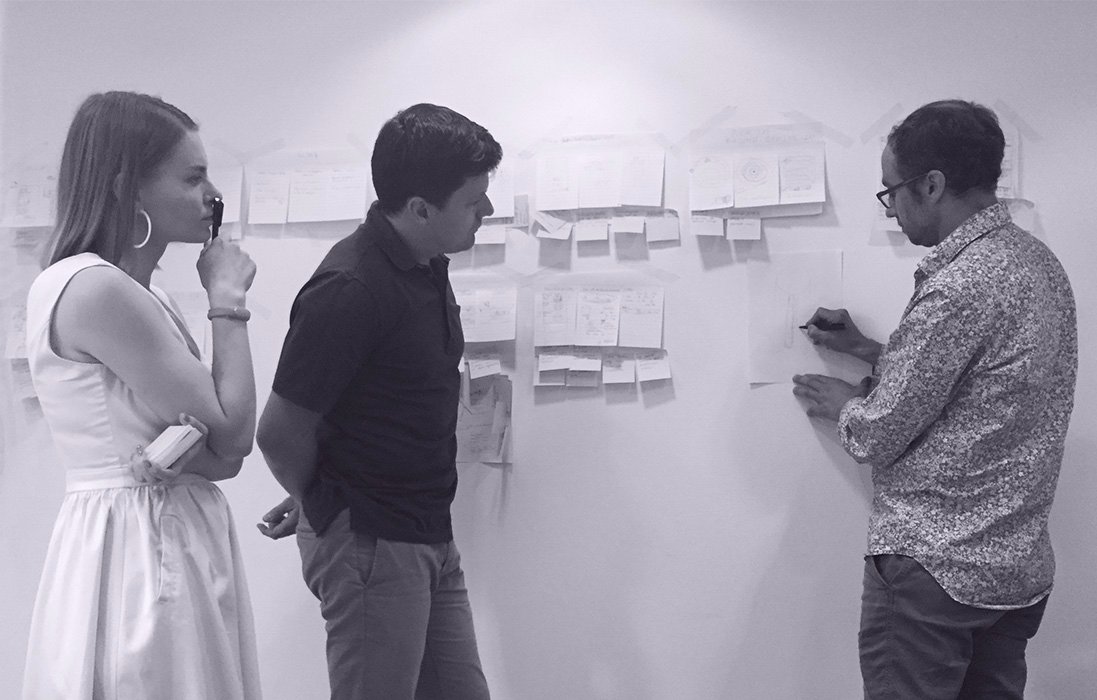
We shared inspiring UX/UI examples and then went into brainstorming and sketching. The goal: generate as many different ideas as possible — no judgment, no limits.
- For the app, we got five distinct UX concepts.
- For the pickup experience, we explored logistics, architecture, and digital flows.
Day 3 — Make the Hard Choices
Now comes the hardest part: choosing the best direction.
This day isn’t about “my idea” vs “your idea” — it’s about building something that fits the business goal.
Mobile App Sprint
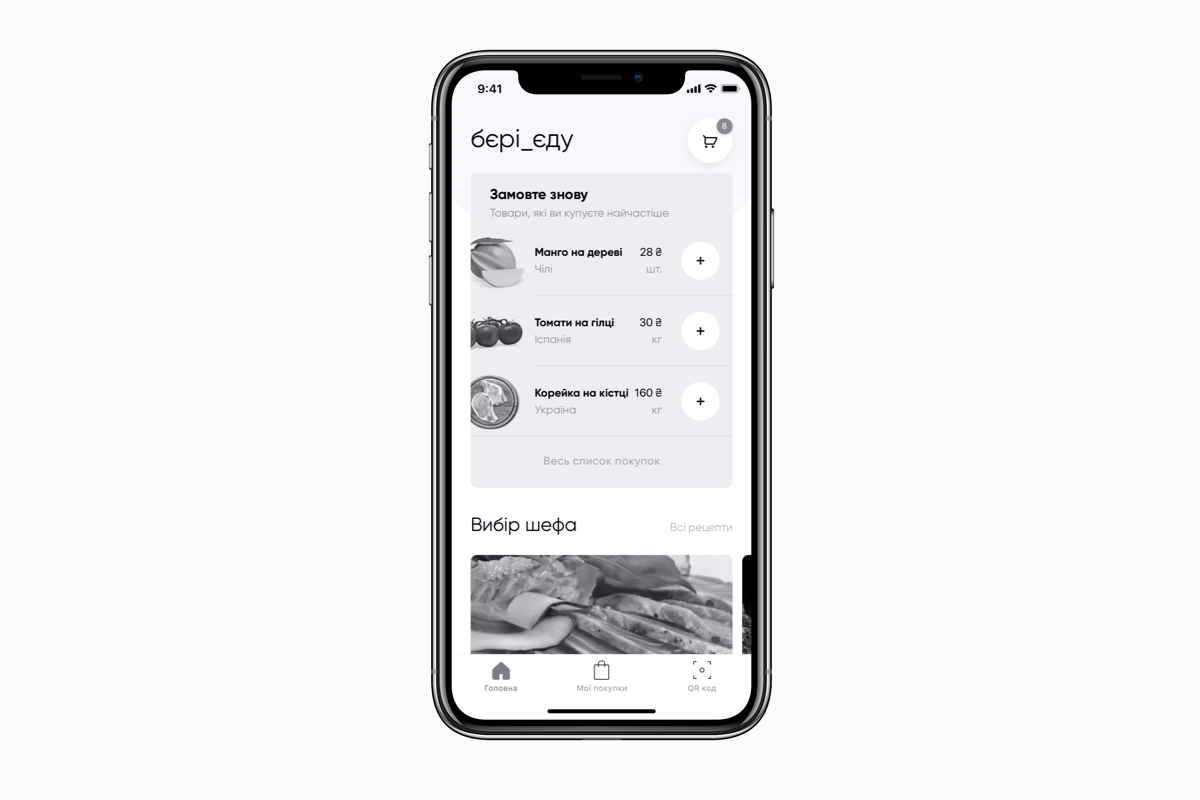
We picked the simplest UX route: no catalog, just reordering from previous purchases, and a clear loyalty program interface. Since the concept was strong, we merged Day 3 and Day 4 — created a clickable prototype and started recruiting testers.
Pickup Project Sprint
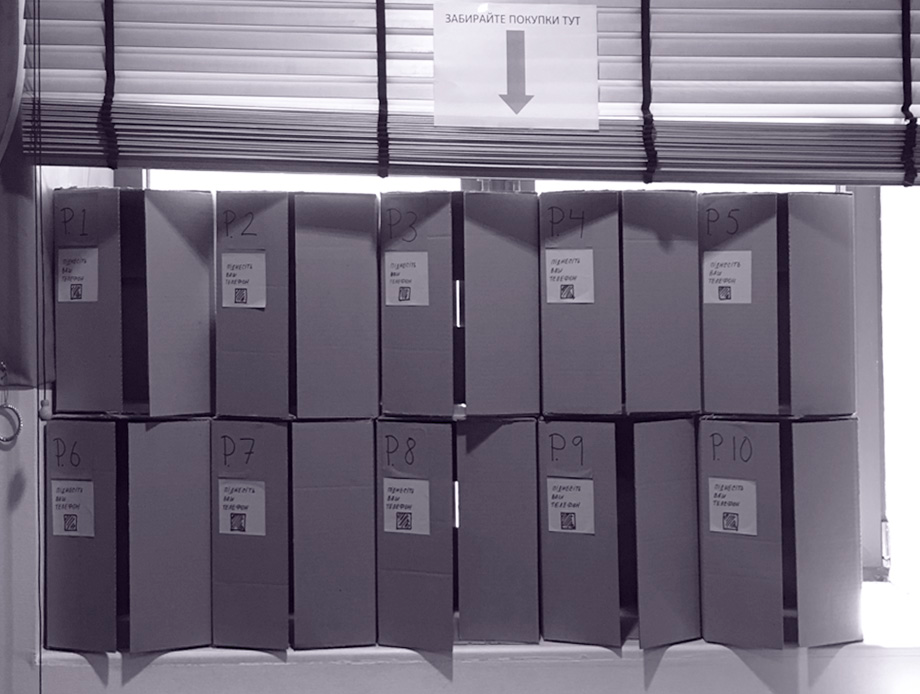
We merged several ideas into a hybrid digital-physical experience. Imagine: a user-friendly app plus a high-efficiency pickup zone powered by automation. No lines, no staff — just fresh orders ready in smart lockers.
Day 4 — Build the Prototype
If it’s digital, go for InVision or Marvel. If it’s physical, grab paper, cardboard, and tape.
For the app, we prototyped the loyalty flow and simplified ordering logic in InVision.
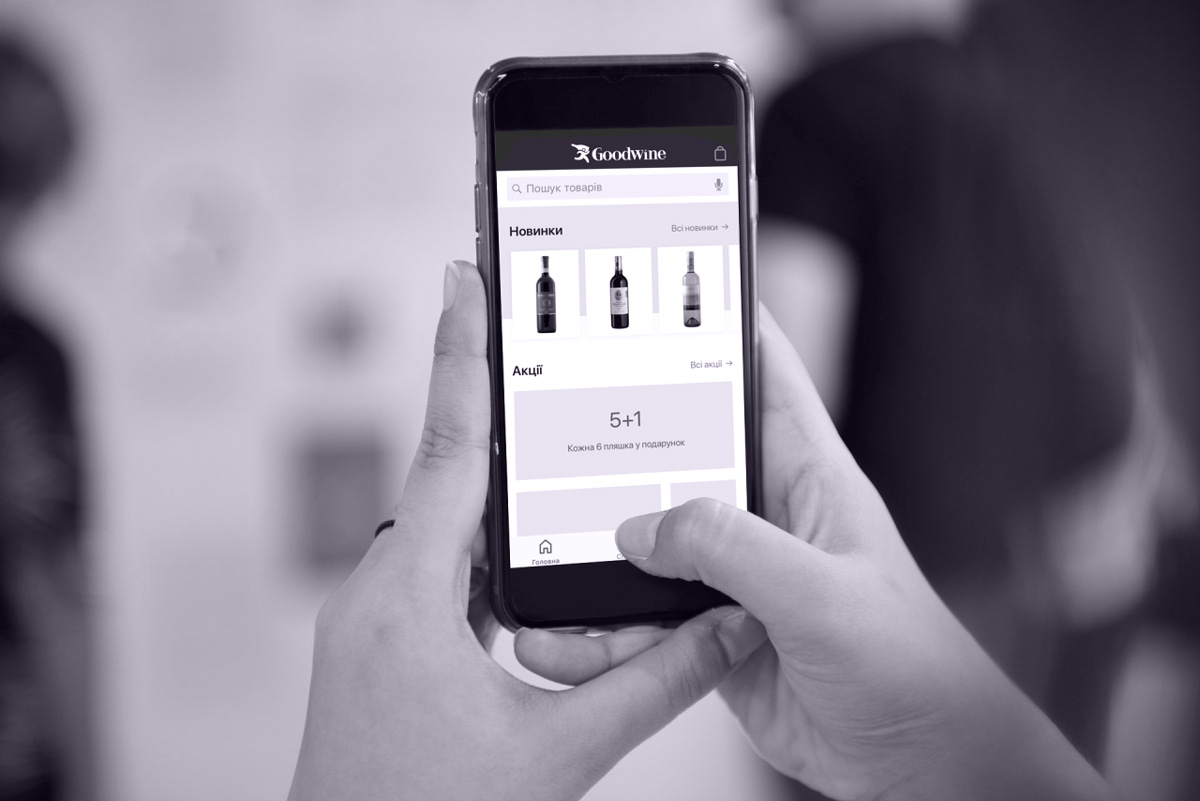
Digital Experience Insight.
For the pickup zone, we built both an interactive app prototype and a physical flow simulation
Day 5 — Test with Real Users
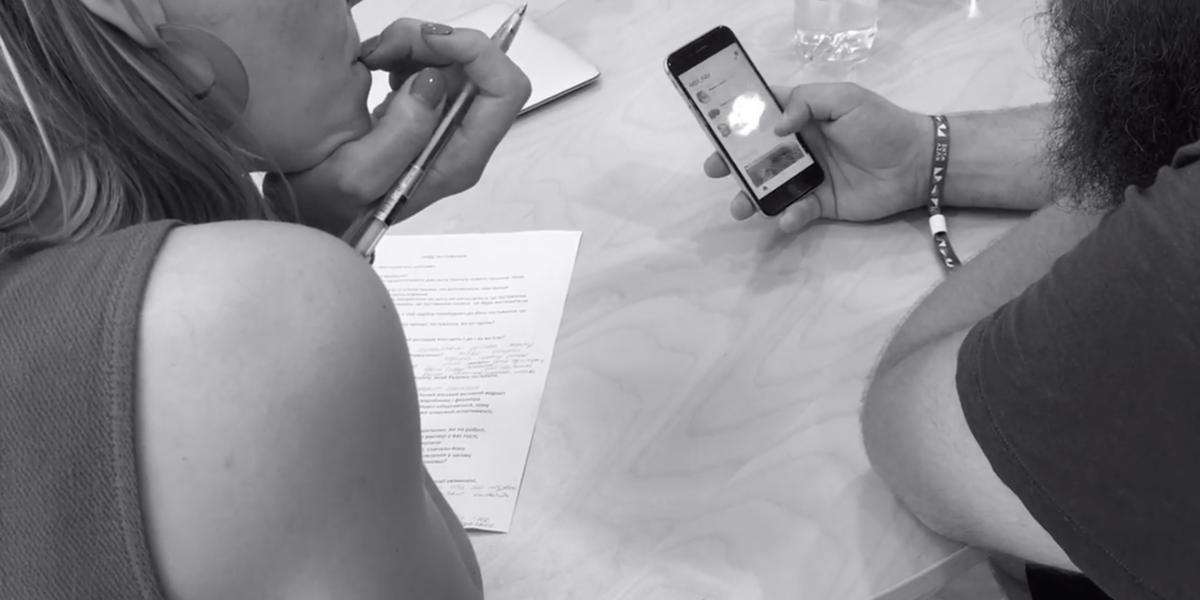
Invite 5–8 people and give each a full hour. Let them explore. Ask questions. Watch closely. Don’t pitch — just observe.
App Learnings
Users were confused at first: “No catalog? Can I still order?” We improved the interface and added onboarding hints. People understood the loyalty flow, but had hesitations about the change. We adjusted the communication accordingly.
Pickup Learnings
Testers asked:
“When do my groceries arrive in the locker?”
“What’s the temperature inside?”
Also: “How do I order ingredients for a recipe?”
We added groupings in purchase history (daily, weekend, celebration kits), making it easier to repeat orders.
Client Perspective
Anya Zotova, Customer Experience Strategist, Goodwine:
«I’m a huge advocate of design sprints. They let us quickly test bold ideas and decide: drop it or build it with confidence. Often, we discover new ideas that change the whole direction — and that’s where real innovation begins.»
What Happened Next?
Four months later, goodwine employees were testing the app. By September, it launched to the public.
Today, 13,000+ users rely on it — and we’re still improving, adding new features and polishing the experience.
As for the pickup experience project — results coming soon, right after the store opens.